Categories that fill themselves.
Shopify-style smart collections for Magento 2. Flag a category as smart, describe its products with a rule such as "Price greater than 100 AND Colour is Blue", and the module keeps the product list in line with that rule. Products are added when they start to match and removed when they stop.
Write the rule. The category does the rest.
Open a category, switch Smart Rules on and describe the products you want. When a price or attribute changes, products join or leave the category on their own.
Set up in 4 steps
- 1
Open a category
Go to Catalog → Categories and open the category you want to automate.
- 2
Switch Smart Rules on
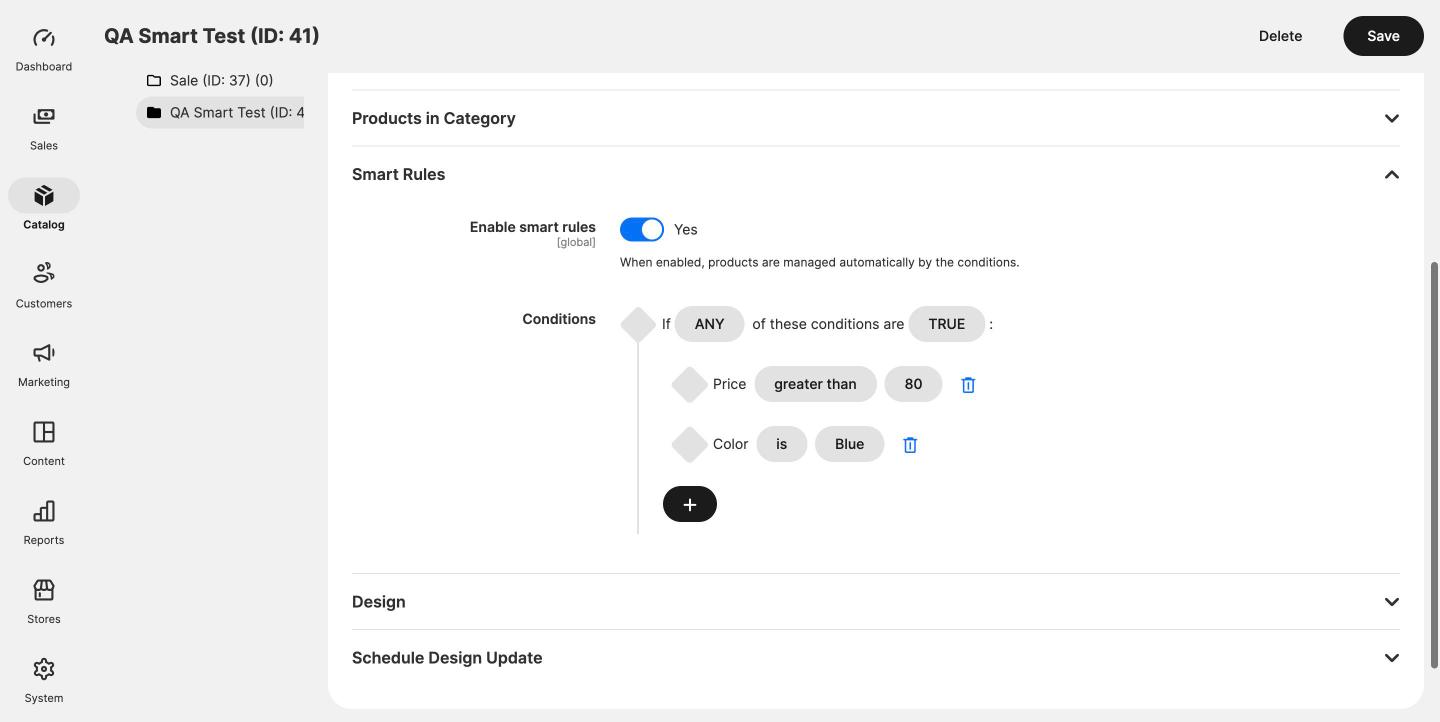
Expand the Smart Rules section and turn Enable smart rules on.
- 3
Describe the products
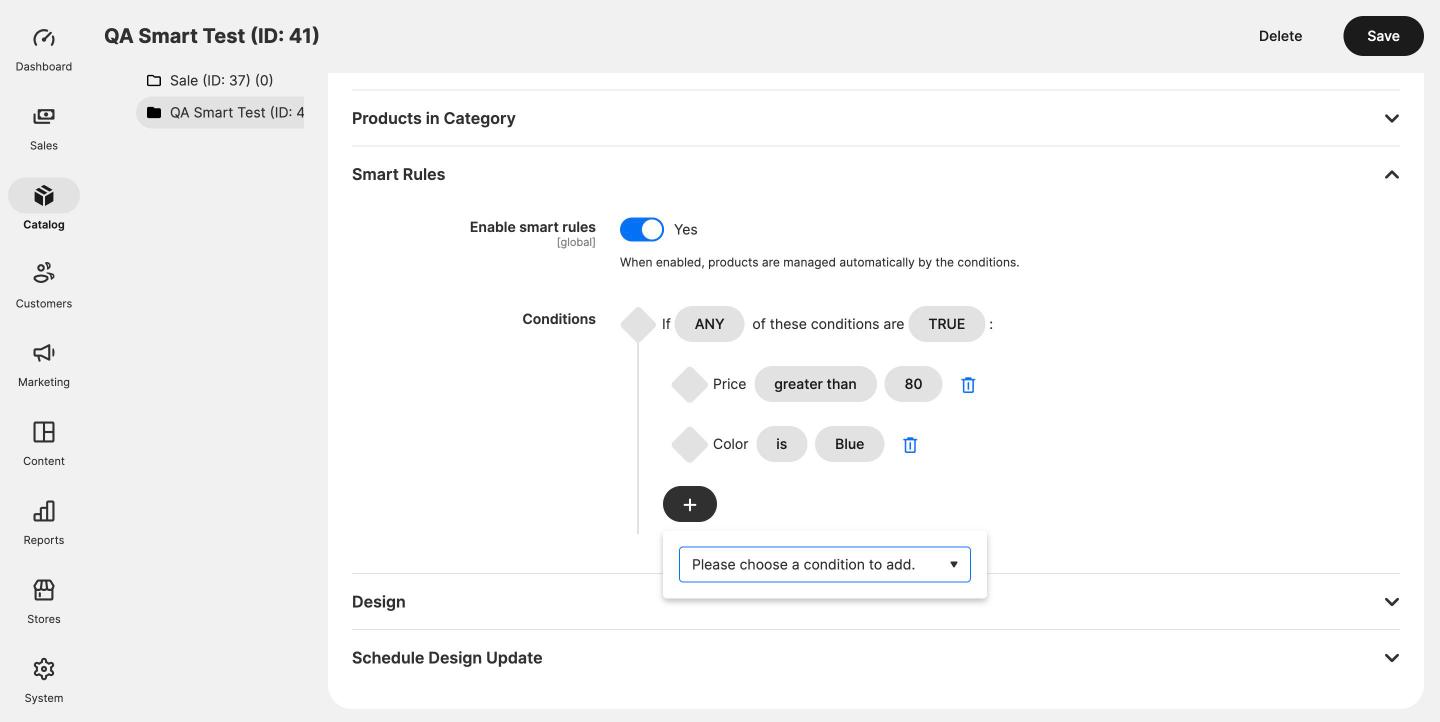
Add conditions on price, colour, SKU, attribute set or any other product attribute, combined with ALL or ANY.
- 4
Save
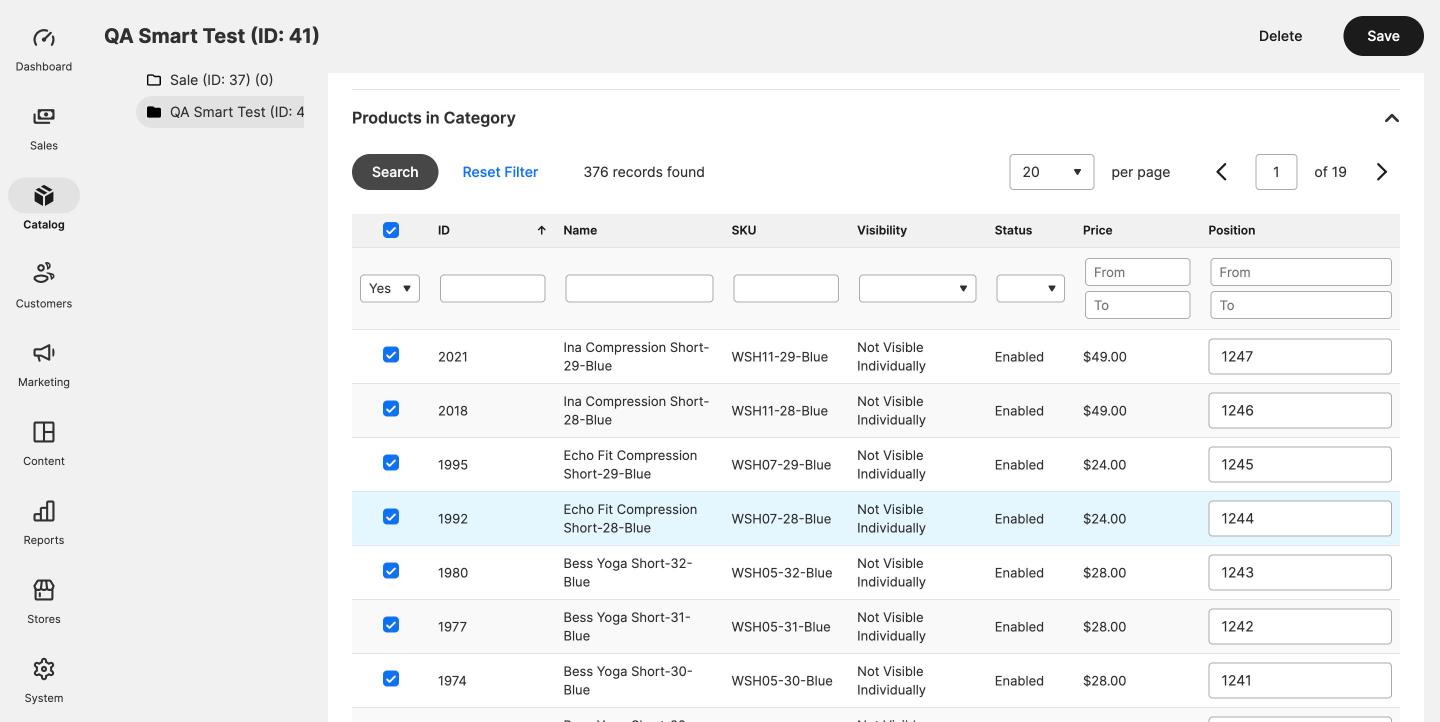
The category fills in the background, usually within a minute or two, and stays in step from then on.
Screenshots from a real store
Everything in the box
Rules in the category form
A Smart Rules section on the category form, with the same condition builder Magento uses for the Products List widget. Combine conditions with ALL or ANY.
Products in, products out
Matching products are assigned and the rest are removed, including any added by hand that do not match. Categories that are not flagged as smart are never touched.
Fast saves
Saving a category or product queues the work on the message queue, so saves in the admin stay fast.
Nightly full check
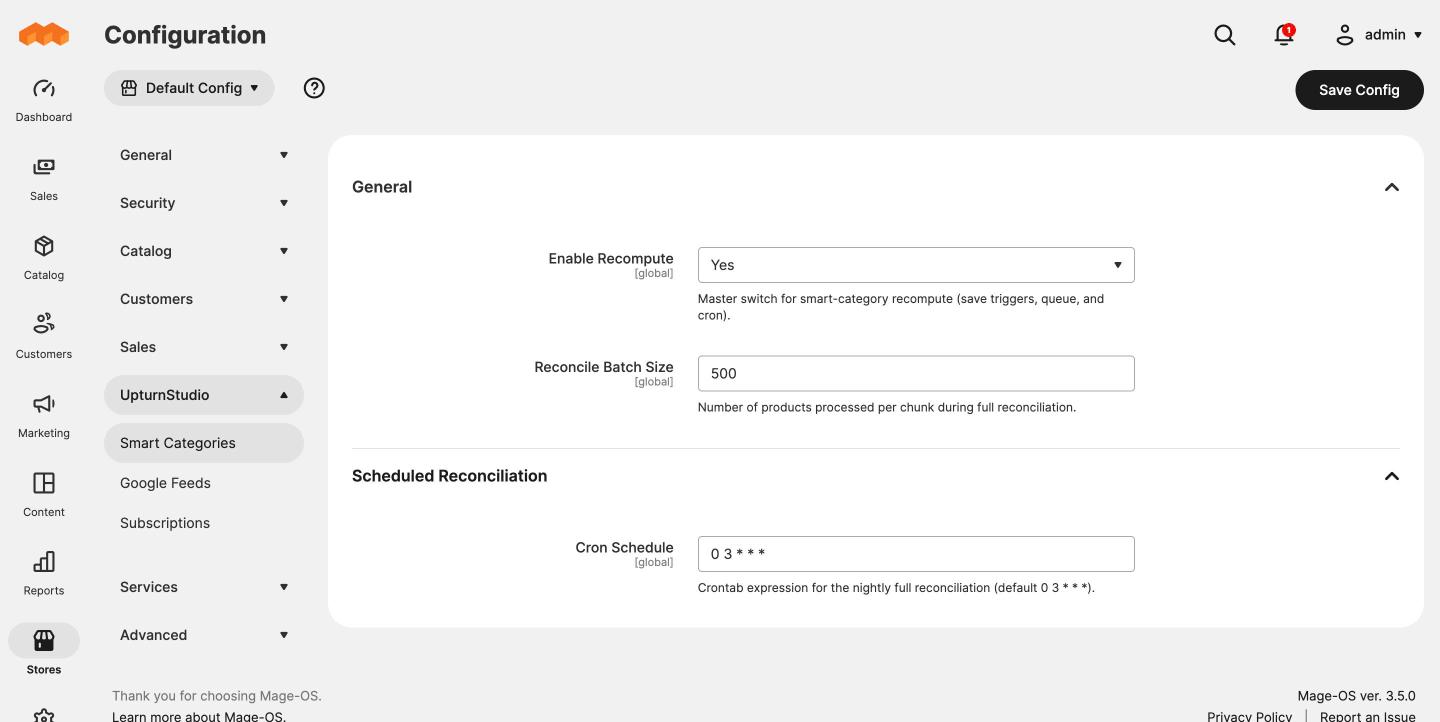
Every smart category is rechecked each night to catch changes made by imports and bulk updates. The schedule is configurable.
Recompute on demand
A console command recomputes one category, or every smart category, whenever you need it.
Ordinary categories underneath
Assignments are written to the standard category product table, so layered navigation, sorting, indexers and your theme work as they do for any category.
Access straight after checkout
After checkout you'll get an account, the install commands and a full setup guide.
What you need
- Magento 2 or Mage-OS
- PHP 8.1 to 8.4 (tested on Mage-OS 3.5.0 with PHP 8.4)
- Magento_PageBuilder enabled
- Cron running
Known limitations
- ANY rules can miss products. A product with no value for one of the attributes in an ANY rule is left out, even when it matches another condition. ALL rules are not affected.
- Hidden and disabled products are assigned. Products set to "Not Visible Individually" can match a rule, so the product count in the admin can be higher than on the storefront.
- Rules use default store values only. Store view overrides are ignored.
- The storefront can lag behind the admin. With indexers set to "Update by Schedule", the storefront changes on the next indexer cron run.